1. Install and setup
to install
powershell -c "irm https://openclaw.ai/install.ps1 | iex"
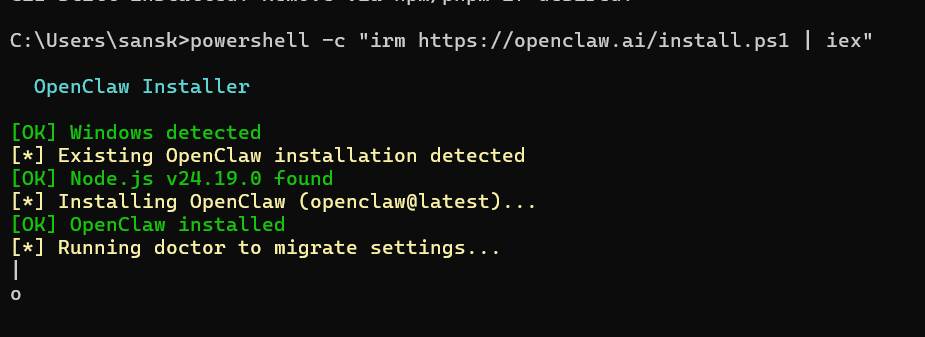
if node is downloaded
npm i -g openclaw
and
openclaw onboard --install-daemon
Open claw shows warning that its a personal agent and may change your configuration files and settings on request
we do yes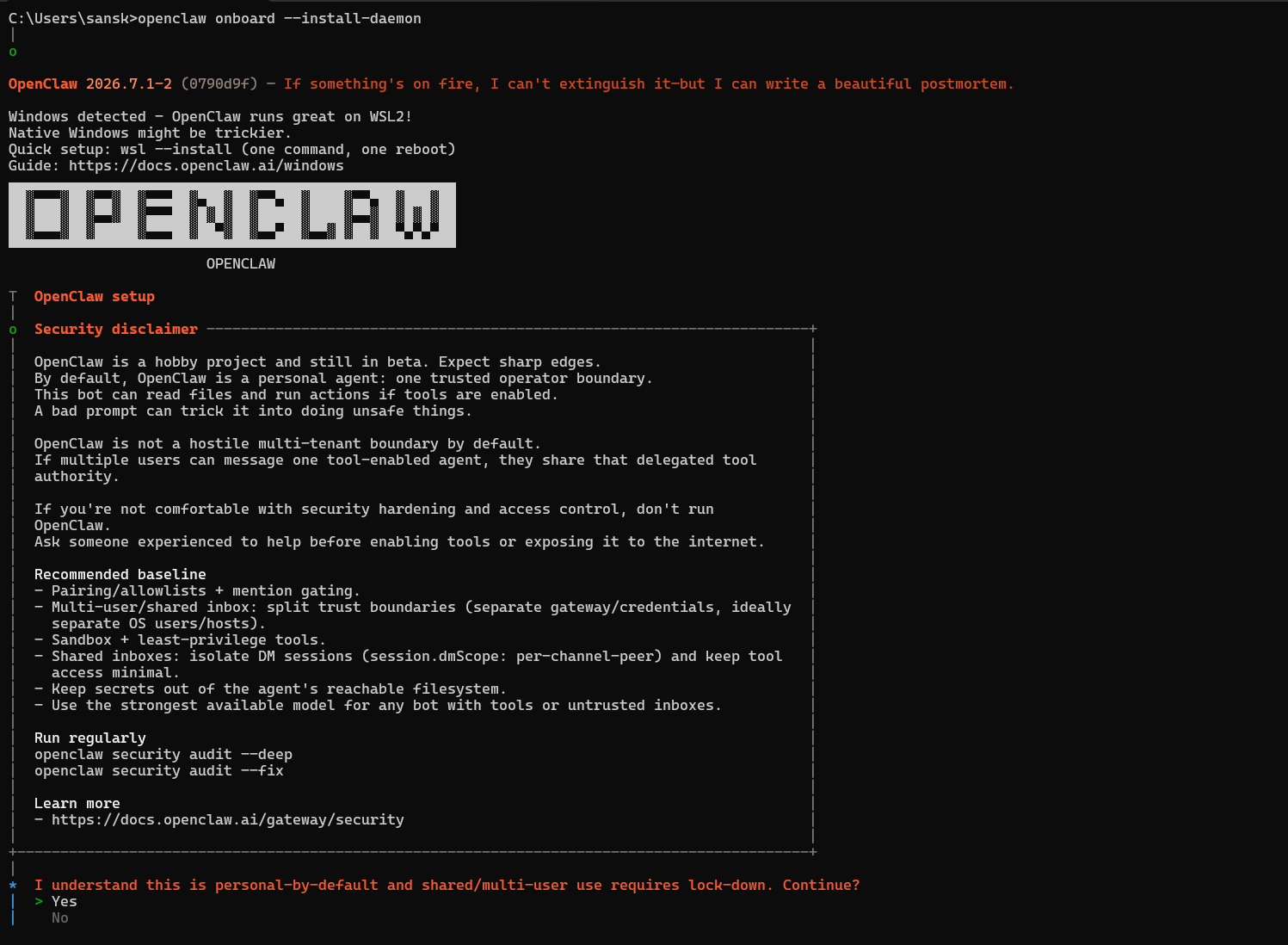
Open claw setup , select quickstart - minimal important steps only
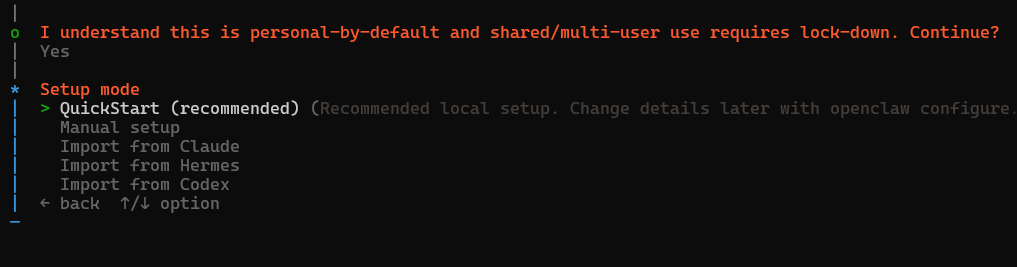
open claw runs 3 things by default
- Backend (openclaw local server - code)
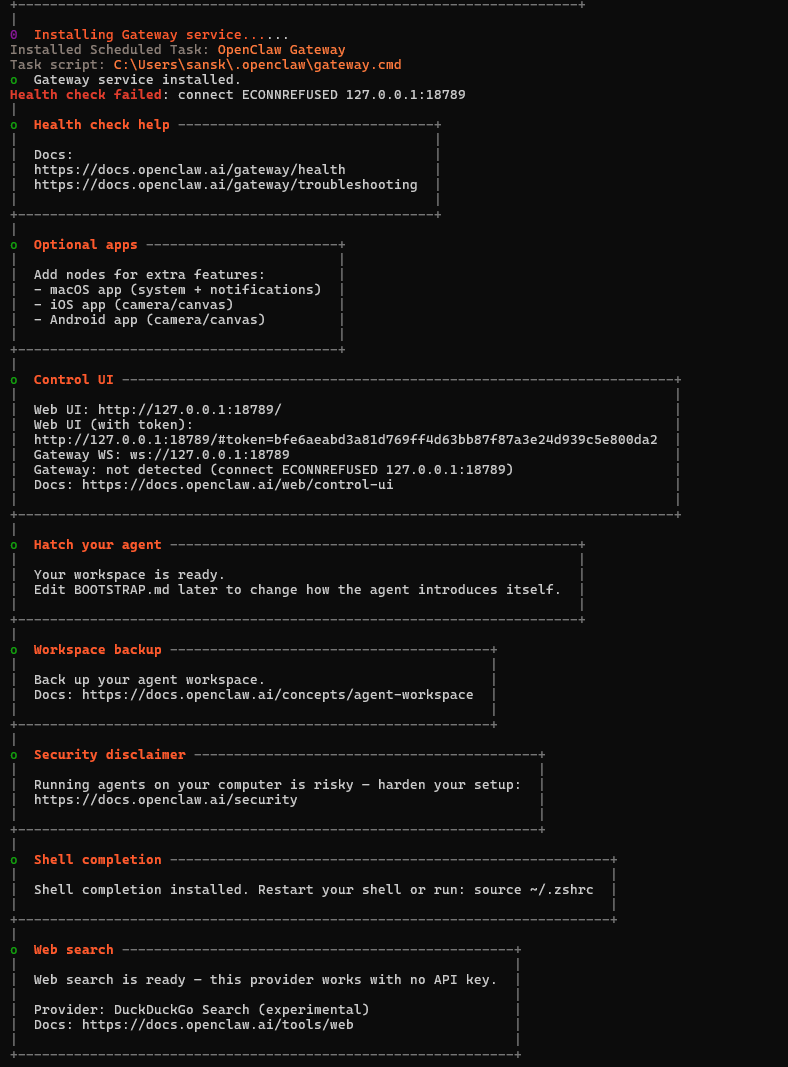
- Frontend website called Gateway
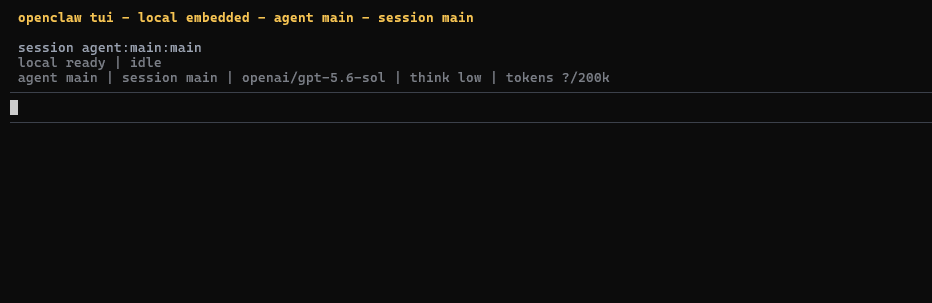
located athttp://127.0.0.1:18789 - TUI -Terminal User Interface (Open claw in terminal)
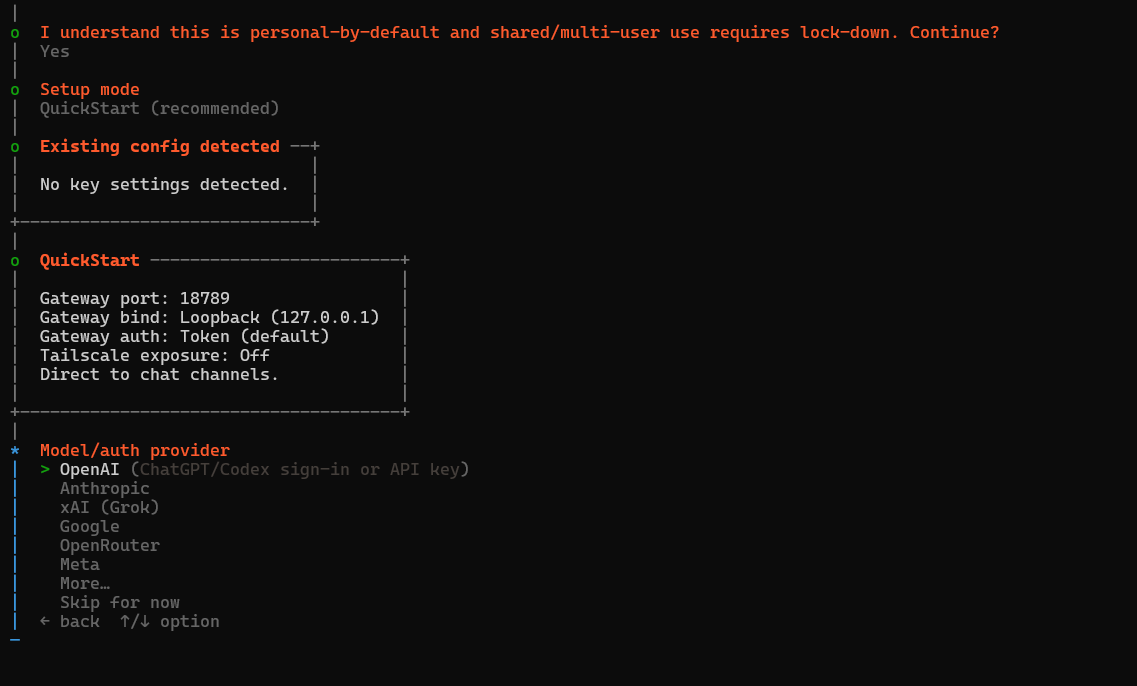
now open claw asks to connect any ai so we will connect openAi (Chatgpt)
so we select open ai then chatgpt login because we dont have any api key
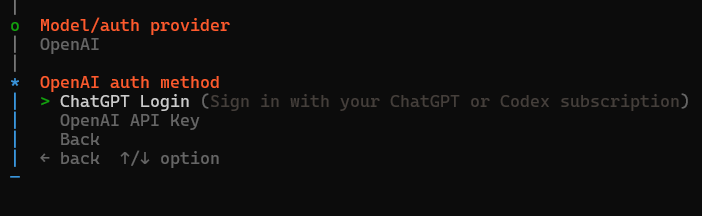
Now selecting ChatGPT login will open browser where u normally login your chatgpt with google and return to terminal
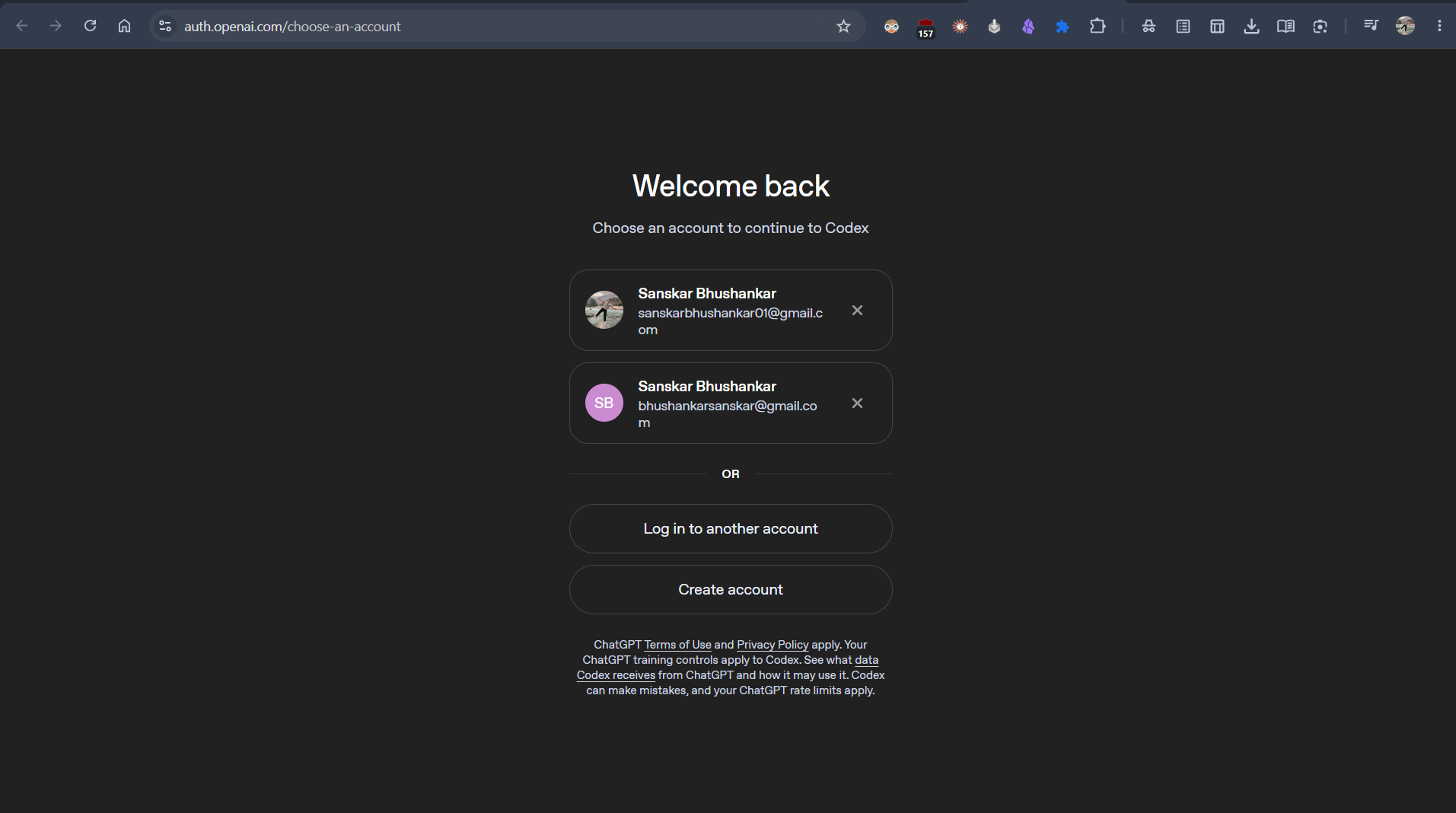
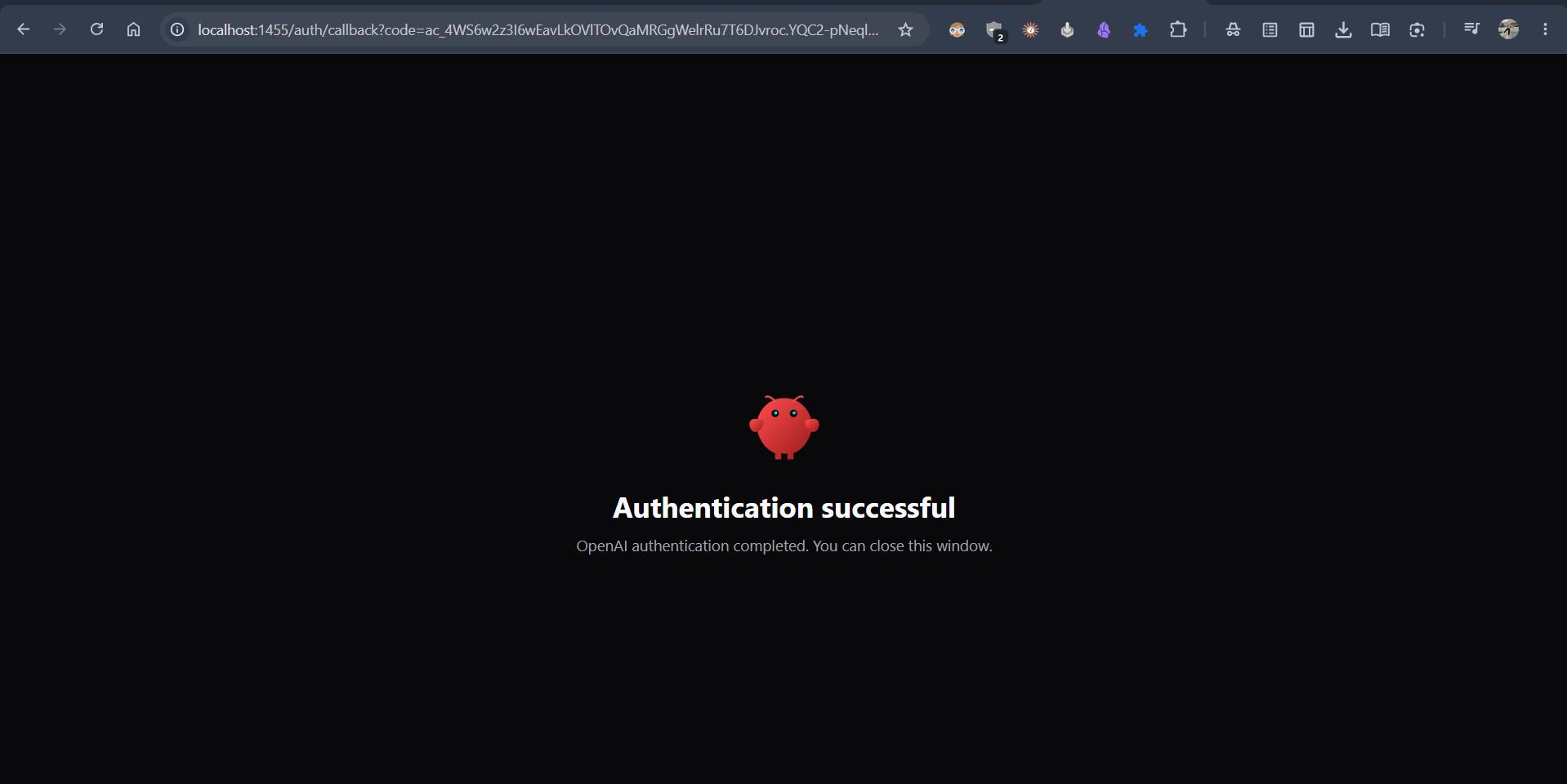
the chatgpt shares a token to openclaw to use chatgpt
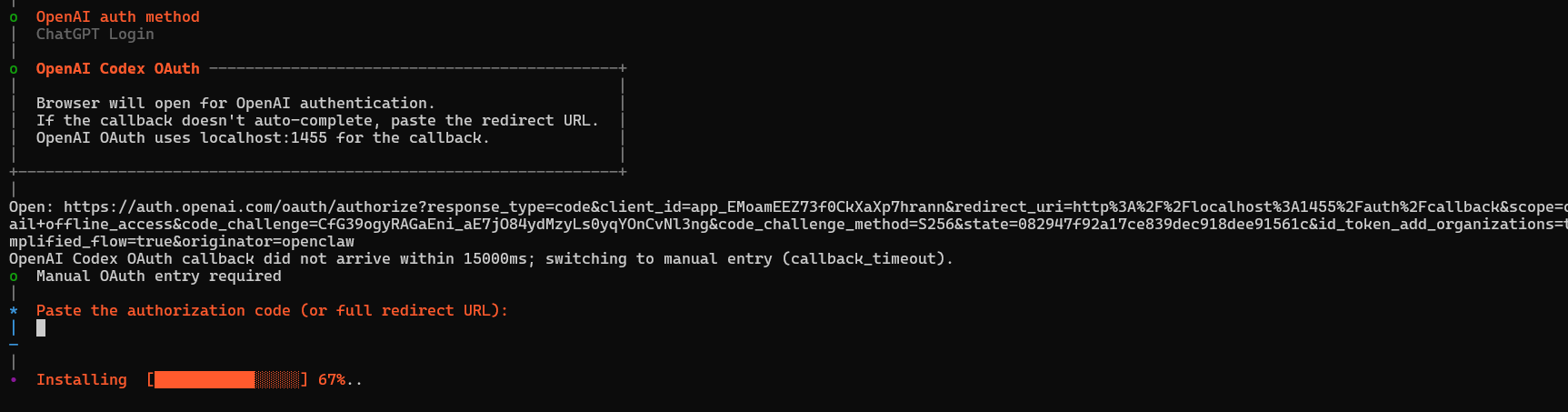
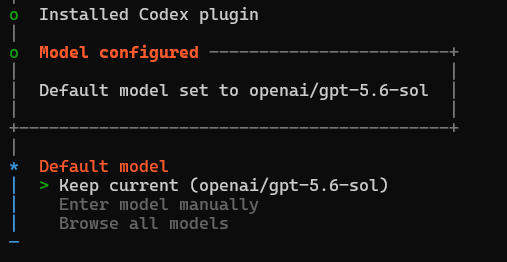
default model i kept earlier is 5.6 ... for free usecase select 5.5
if u want to change after setup use this
openclaw models list --provider openai
openclaw models set openai/gpt-5.5
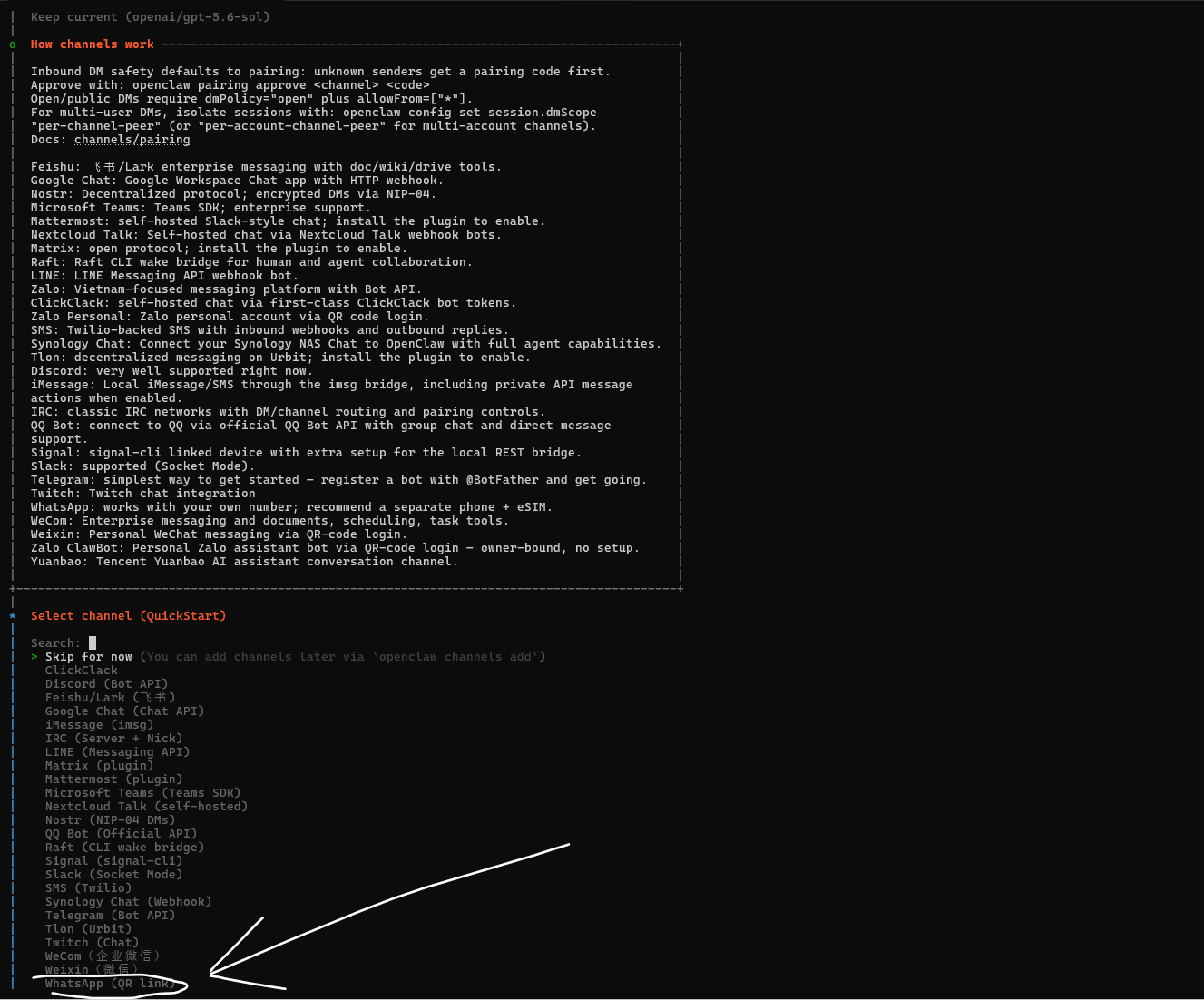
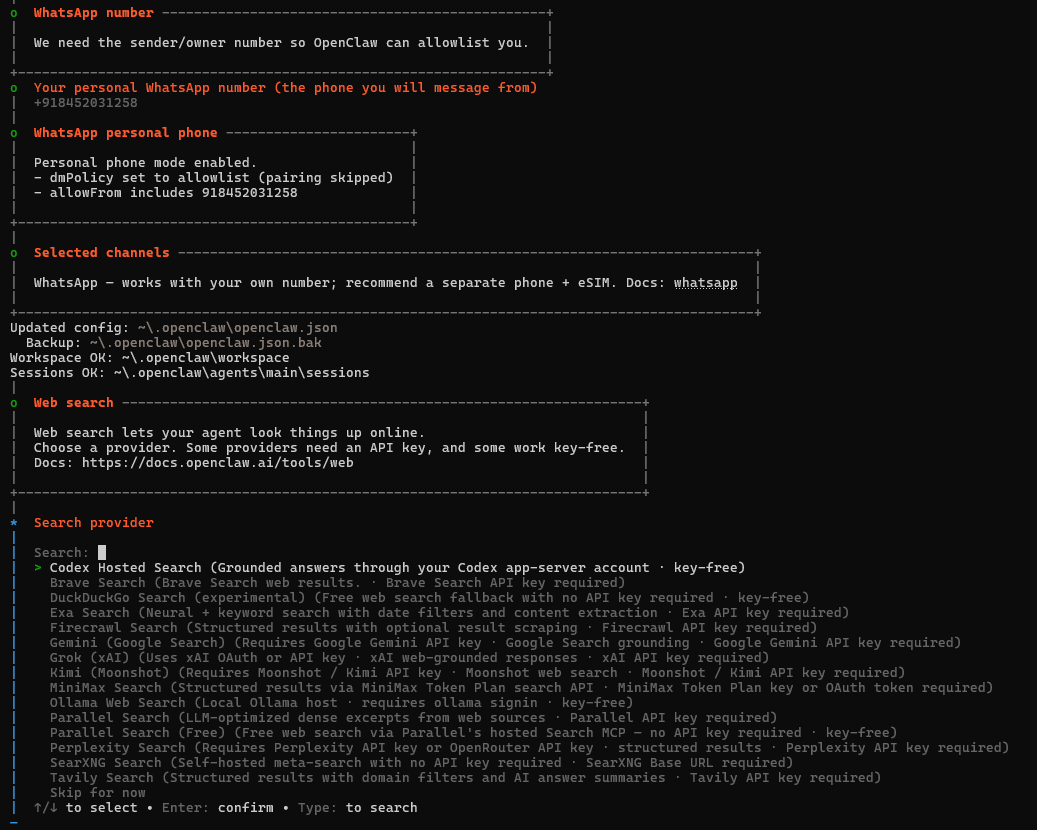
Now openclaw asks to connect channels
where we can connect these many channels out of which we select
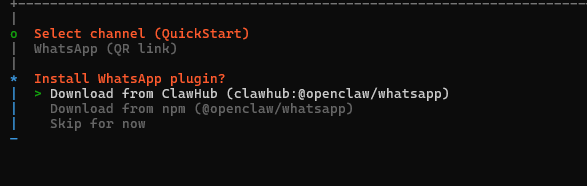
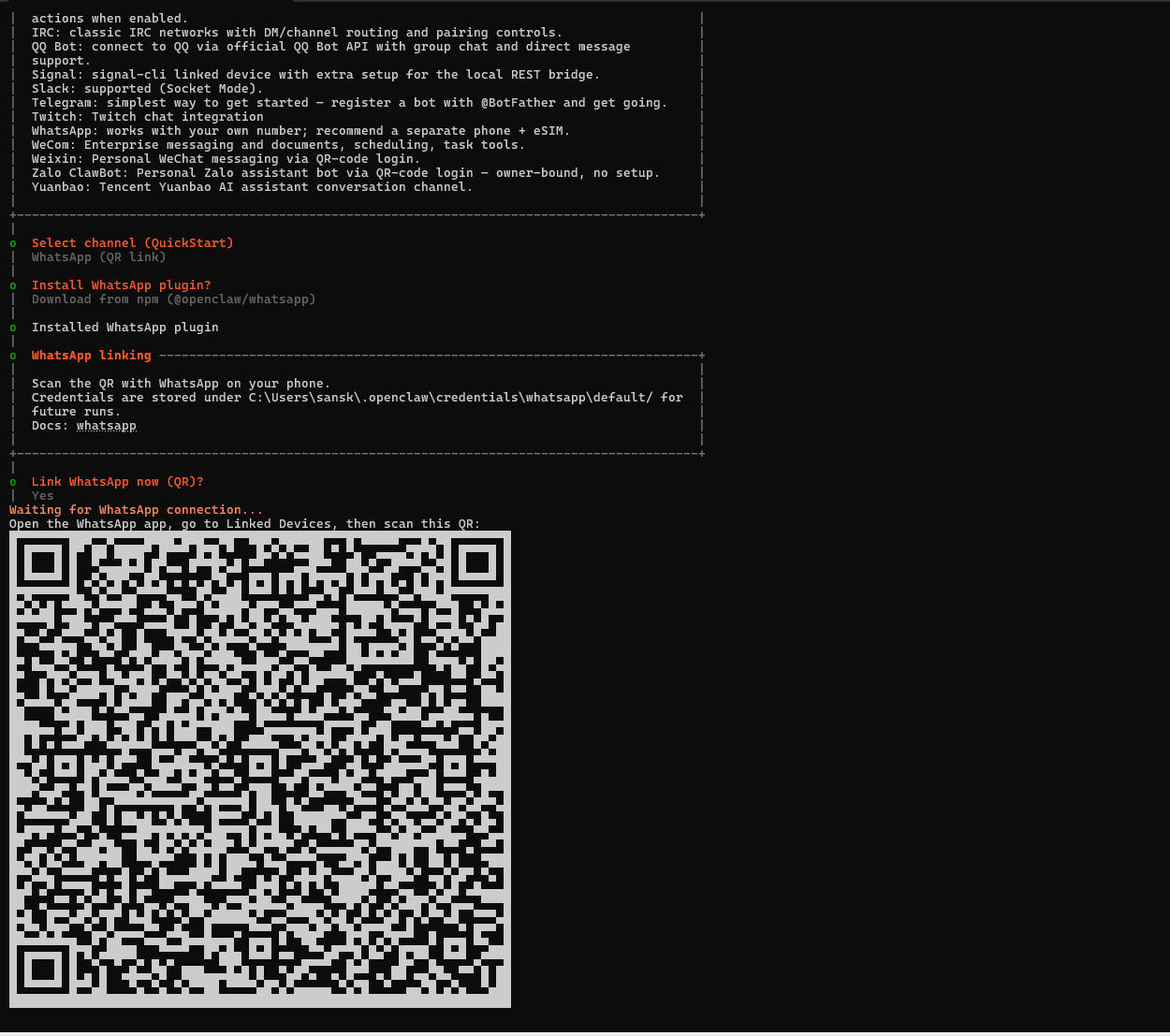
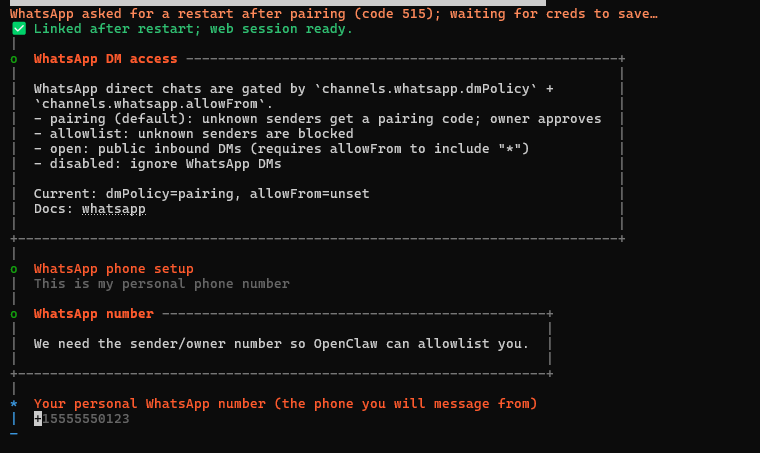
whatsapp so we can use openclaw in our whatsapp